
Commentary CommCam Kit
Your commentators on air from stadiums across Europe: broadcast-quality commentary, live pictures from the commentary position and the studio return, over one IP link to your MCR. We bring the kit, rig it, test the lines and run it through the show.
What you get on air
Your commentators, live from the stadium
You plan the show. We make sure the commentary position delivers it.
- Clean commentary audio from up to three voices, with levels set and watched by our engineer.
- Live pictures of your commentators. A CommCam for the pre-match stand-up, half-time analysis and the reaction to a late goal.
- A studio that talks to them as if in the same room: programme sound, IFB, talkback and the studio picture on the desk.
The CommCam and an LED panel sit at the back of the position, aimed at the commentator. At the breaks he turns round, looks into the lens and the whole stadium is behind him.
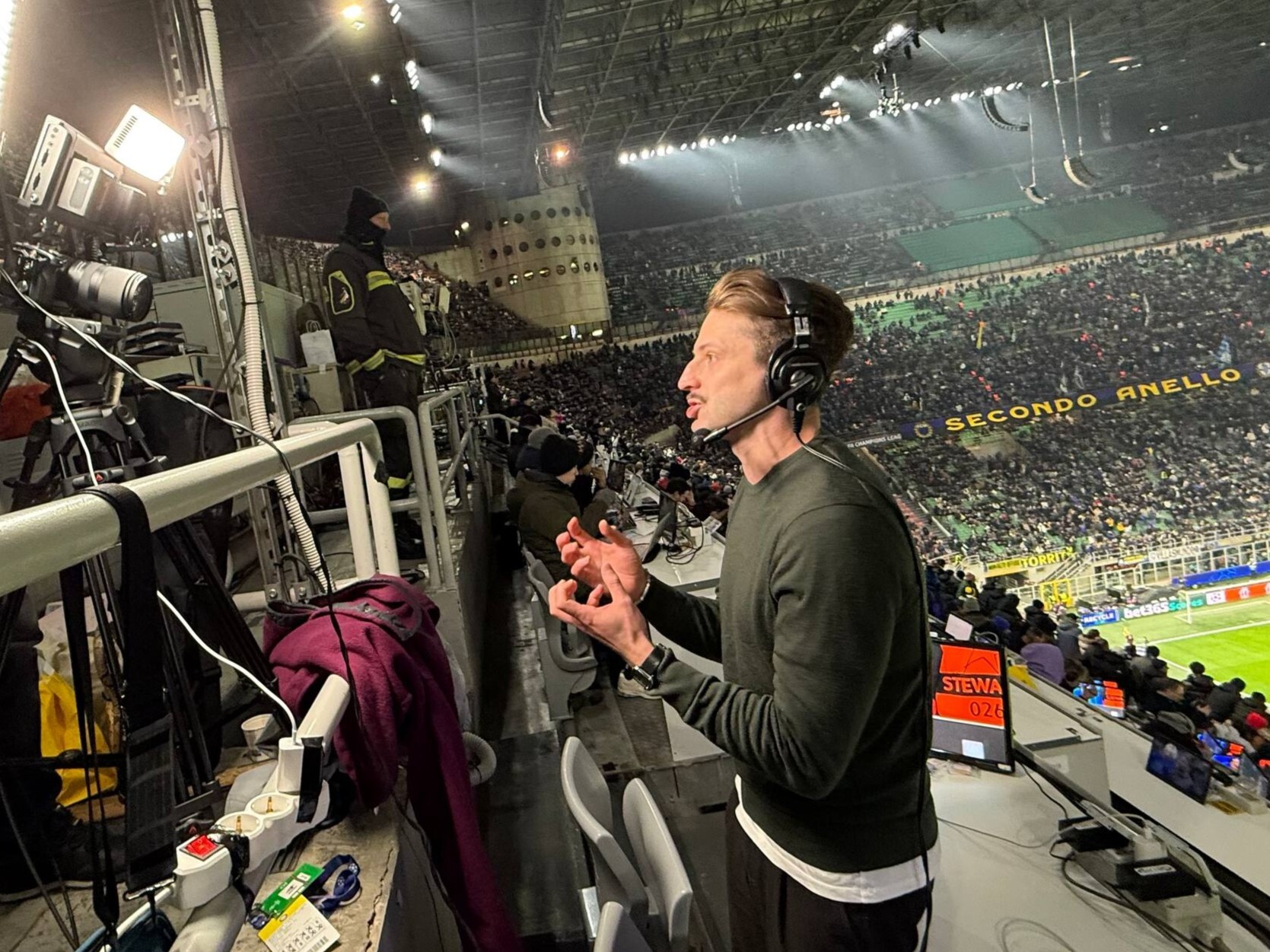
What is in the kit
Everything for one commentary position
IP commentary unit
Prodys Quantum2 W
- 3 mic/line inputs with phantom power, 3 headphone outputs with independent levels
- SDI and HDMI in and out, H.264 / H.265 video encoding
- SRT and SIP (N/ACIP), FEC, bonding over up to 7 IP links
- 2 × Ethernet, internal 4G/5G modems, Wi-Fi
CommCam
Dream Chip ATOM one mini Zoom
- One of the smallest broadcast zoom cameras, 267 g
- Full HD over 3G-SDI straight into the Quantum2 W
- Remote control over RS-485
- Paired with a dimmable LED panel for a clean picture
- On some jobs we use a Sony camera instead
On the desk
Audio-Technica BPHS1 headsets and return monitor
- An Audio-Technica BPHS1 broadcast headset for each commentator: closed-back headphones and a dynamic boom mic
- Return monitor with the studio picture
- All cabling, mounts and power on site
People
Engineer on site
- Rigging and line test well before transmission
- Controls audio levels and the health of the internet link through the whole show
- Lighting and CommCam framing
- TECH talkback with your MCR and liaison with the host broadcaster
How the signal flows
One box, one IP link to your MCR
Swipe sideways to see the full diagram.
How a job runs
From the first email to the final whistle
You send us the venue, the date and where the signal has to land. Everything in between is on us.
Less work for your team
We take the commentary position off your plate
What we handle
- Kit, spares, cabling and transport to the venue
- Line checks the day before, tickets with telecom operators if needed
- Rigging, CommCam framing and lighting
- Connection tests and line-up with your MCR
- Engineer on the position through the whole broadcast
- Liaison with the venue and the host broadcaster
What we need from you
- Venue, date and transmission times
- Accreditation for our engineer
- The receiving end: a Prodys codec or an SRT address
- One contact in your MCR
Why broadcasters book it
Less kit, fewer failure points
Where we have used it
Projects with this setup
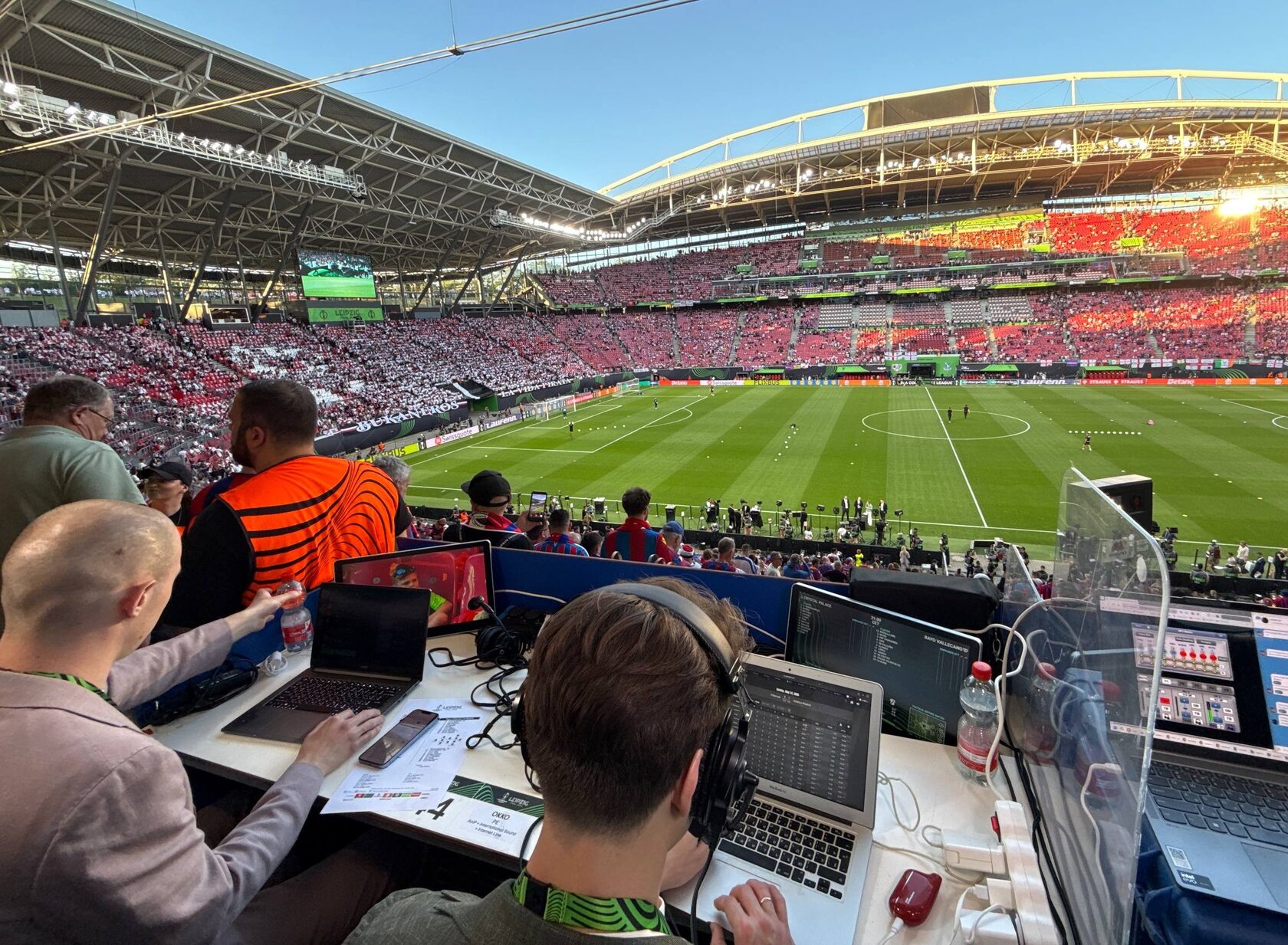
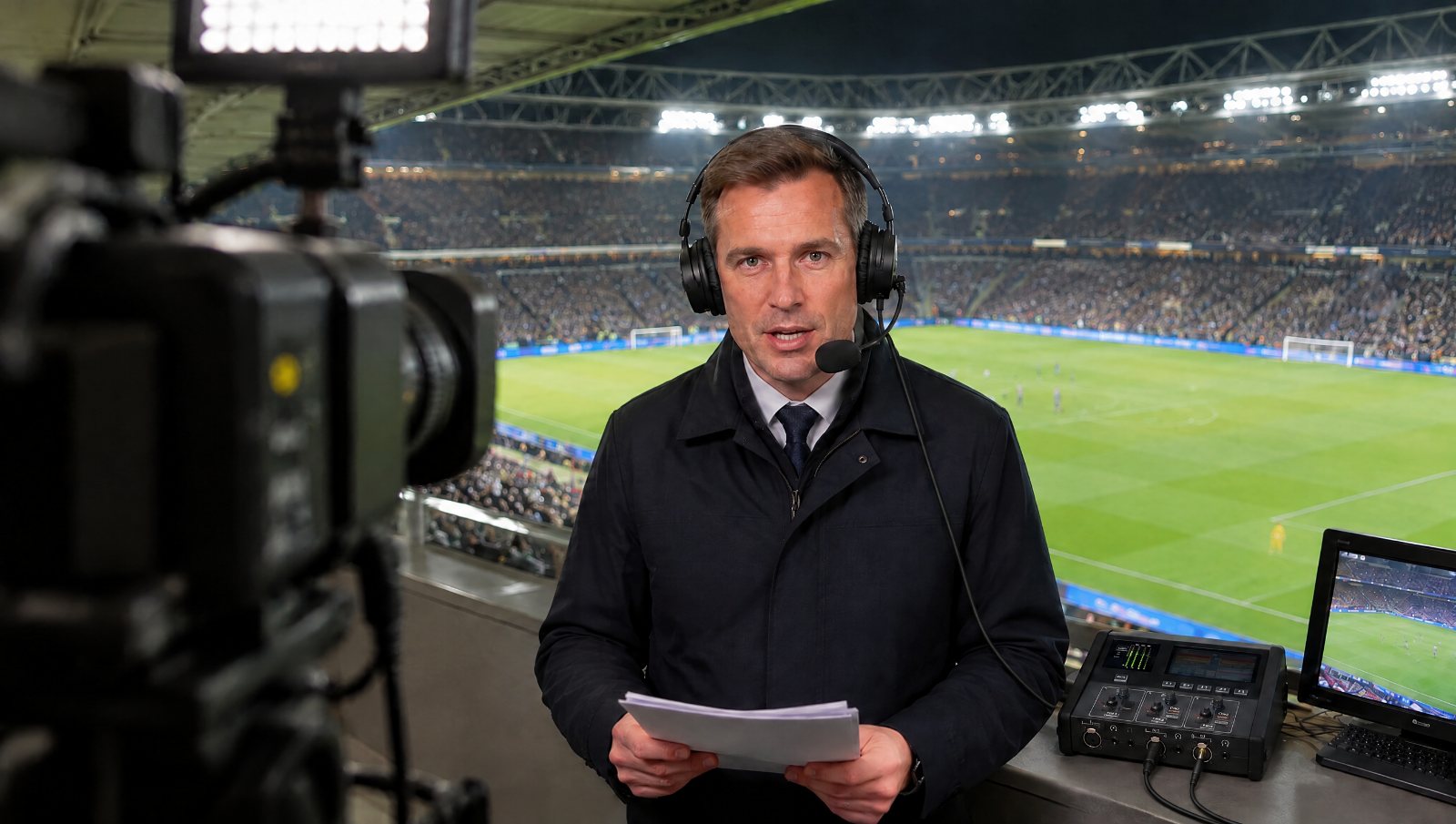
On the commentary position
How it looks on site
FAQ
Commentary CommCam Kit: questions
What is a CommCam?
A commentary camera: a compact broadcast camera at the commentary position that shows the commentators live on air. Our standard CommCam is the Dream Chip ATOM one mini Zoom. On some jobs we use a Sony camera.
Does the kit need venue internet?
A wired line is preferred. The Quantum2 W can combine two Ethernet lines with 4G/5G modems, so mobile data can back up or carry the link. We check every line on site the day before the event.
What if the venue line is poor?
We find out the day before, not on match day. We measure quality, speed and packet transit, and if there is a problem we open tickets with the telecom operators to get it fixed, while 4G/5G stays ready as a second path.
Which protocols does it support?
SIP/RTP per EBU Tech 3326 (N/ACIP) for audio, SRT for video and optionally audio, plus H.264 and H.265 video encoding.
How many commentators?
Up to three, each with their own microphone input and headphone level.
Which headsets do you use?
Audio-Technica BPHS1 broadcast headsets: closed-back headphones with a dynamic boom microphone, a standard for sports commentary.
What does the engineer do?
Rigs and tests the position, then stays on it through the broadcast, controlling audio levels and the internet link and keeping TECH talkback with your MCR.
Where do you work?
Across Europe and beyond, from our base in Barcelona: football, basketball and winter sports venues.
Need a commentary position at a match?
